v0.52April 3, 2026
Introducing Virtual Desktop commands a full suite of commands that turns your desktop into a modern window management experience. Assign Open Desktop 1–10 to shortcuts like Alt+1 through Alt+0 to instantly switch desktops, and bind Move to Desktop 1–10 to Alt+Shift+1 through Alt+Shift+0 to quickly move windows where you need them. Toggle on Auto Close Empty Desktops in the settings and when a desktop becomes empty, it closes automatically to keep your workspace tidy.
Note: This feature is available only on Windows 11, version 24H2 or later. Coming soon to 23H2.
✨ New
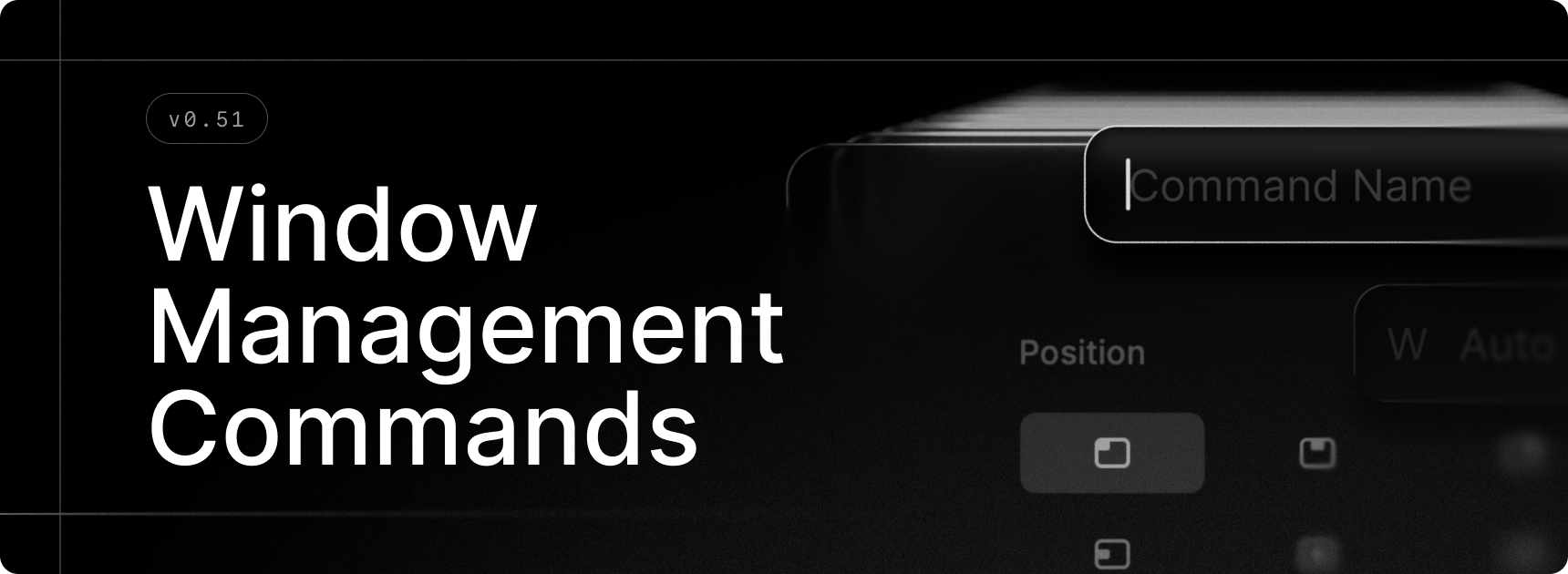
- Window Management: Use
Open DesktopandOpen Desktop 1–10to quickly open and switch to virtual desktops - Window Management: Use
Move to DesktopandMove to Desktop 1–10to send the focused window to a specific desktop - Window Management: Use
Rename Desktopto give desktops clear, memorable names - Window Management: Use
Close Desktopto close desktops when you no longer need them - Window Management: Use
Switch Desktopsto bring up an interactive list of all available virtual desktops - Raycast for Teams: Added support for Organization Management in Settings and through the relevant commands;
copy,createandmanage organisations - Raycast for Teams: Shared Snippets and shared Quicklinks are now syncing across devices
- Raycast for Teams: Added the
createandmanage Webhookcommands
💎 Improvements
- Change-log: You can now disable change-log notifications in Settings > Raycast > Changelog
- Confetti: You can now disable holiday confetti in Settings > Raycast > Confetti
- General: Toast is now automatically expandable (toast action panel) when overflowing
- Quicklinks: Added Edit, Duplicate, Disable, Delete actions in settings
- Quicklinks: Improved filtering UX
- Root Search: Added support for What’s New item in compact mode
- Settings: Cleaned-up Appearance / Theming settings
- Snippets: Improved filtering UX
- System: Updated the default system notification sound to a less intrusive tone
🐞 Fixes
- Clipboard history: Extracted via OCR text from images isn’t automatically pasted along with the image
- Importer: Avoid mapping hotkey characters to the number pad
- Importer: Fixed Clipboard History import for users with >20k records
- Importer: Fixed timeouts during long imports
- Quicklinks: Fixed icons for links using custom app protocols
- Settings: Fixed certificate file picker busting out UI in Advanced Settings
- System: Fixed an issue that caused tooltips to appear in incorrect locations.
- System: Fixed an issue where non-resizable Raycast windows could be incorrectly maximized
- Window Management: Fixed Custom Command form layout issues